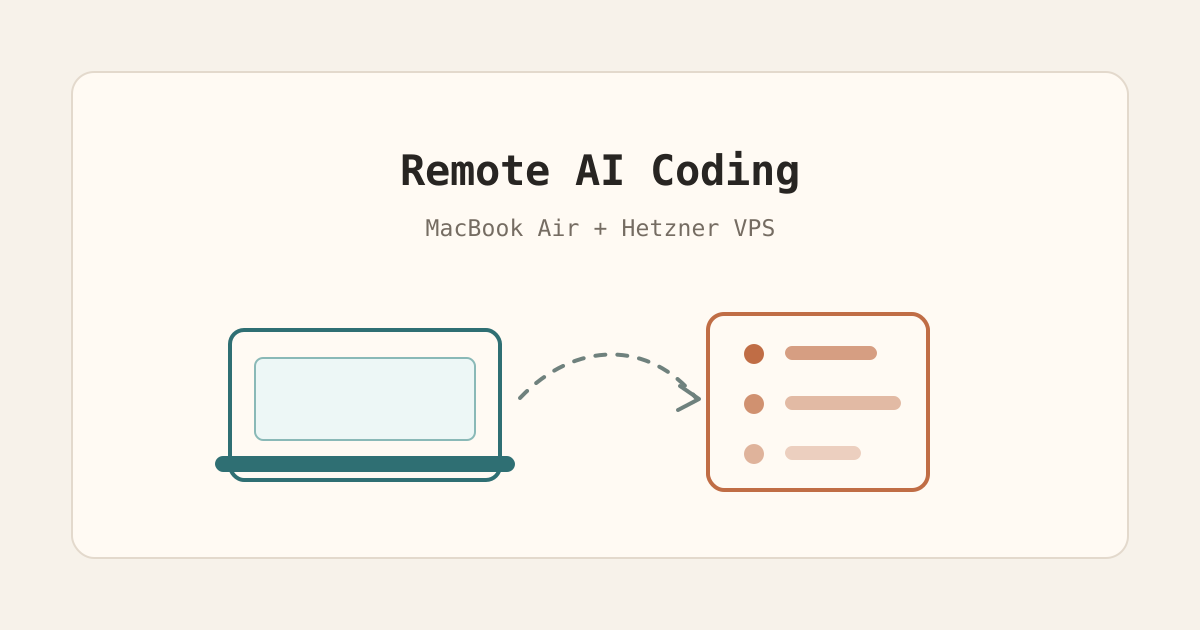
I moved my development setup from my MacBook to a Hetzner VPS.
The server costs me $16.49 per month. I first tried the small $5 server, but it could not handle multiple agents running at the same time. The $16 one works fine.
I am currently traveling in Vietnam. I work from coworking spaces, apartments, and sometimes cafes. That makes battery life and performance very noticeable.
The Problem With Local AI Coding
Codex and Claude Code use a lot of resources.
On top of that, I often run Docker containers like MariaDB. All of this adds up. My MacBook Air has 8GB of RAM, and I can feel it getting slow.
The worst case is running an agent while being in a Google Meet. That is basically not possible.
Battery is the other problem. AI coding tools drain it fast. When you work on the go, that becomes annoying quickly.
I Almost Bought a New MacBook
I was planning to buy the new MacBook M5 with 32GB of RAM. It would have cost me $2,315.07.
With the VPS setup, I do not need to do that right now. The heavy work runs on the server. My laptop becomes the screen, keyboard, and browser.
That saves money. It also saves battery.
There is another side benefit: if a malicious npm package ever gets installed, it lands on the VPS, not on my MacBook. I still use security measures to reduce that risk, but the isolation is nice.
My Current Setup
I use a Hetzner CPX32 VPS for development only. I deploy my web apps on a separate server.
On the VPS I installed:
- Codex CLI
- Claude Code
- T3 Code
- Docker
- code-server
T3 Code connects via SSH and lets me work on projects from the server. I also set up the Codex App on my Mac to connect via SSH.
For terminal work, I use cmux. The sidebar and tabs make it easier to keep many sessions open.
For small tasks, I still use the Codex CLI directly. In the app I usually create a project. In the CLI I can open any folder, do the task, and close it again.
VS Code Without SSH Lag
At first I used the VS Code SSH extension to browse files on the server.
It worked, but it felt a bit laggy.
Now I use code-server. It runs VS Code on the VPS, and I open it in my browser.
It feels as good as a native install on my laptop, but without the SSH lag.
Keeping It Private With Tailscale
I protect the server with Tailscale.
My laptop and servers are in the same private Tailscale network. SSH and code-server are only reachable through that network.
That keeps the setup simple and private. I do not expose my development editor to the public internet.
Localhost Still Feels Local
In the SSH config, I forward development ports back to my laptop.
So if a project runs on localhost:3000 on the VPS, I can open it normally on my MacBook and preview the app in my browser.
That makes the setup feel almost local.
Why This Works So Well
The server has stable internet and stable power.
Agents can keep working even if my laptop battery is low, my Wi-Fi changes, or I close the lid.
With the Amphetamine app on my Mac, I can close the laptop while agents continue running on the VPS.
Storage is also easier. My 512GB MacBook disk kept filling up with node modules and project files. Now the heavy projects live on the server, where I can increase disk size when needed.
This Is Not Experimental
SSH has been around forever.
This setup does not feel like a hack. It feels solid.
The only real change is that the computer doing the work is no longer under my fingers. It sits in a data center, costs about the same as a few coffees per month, and gives my MacBook a much easier life.
For agentic coding while traveling, that tradeoff is worth it.